Architect of the digital age
Microsoft/Xbox Family: Enable LFG Posts from PC
28 October 2026
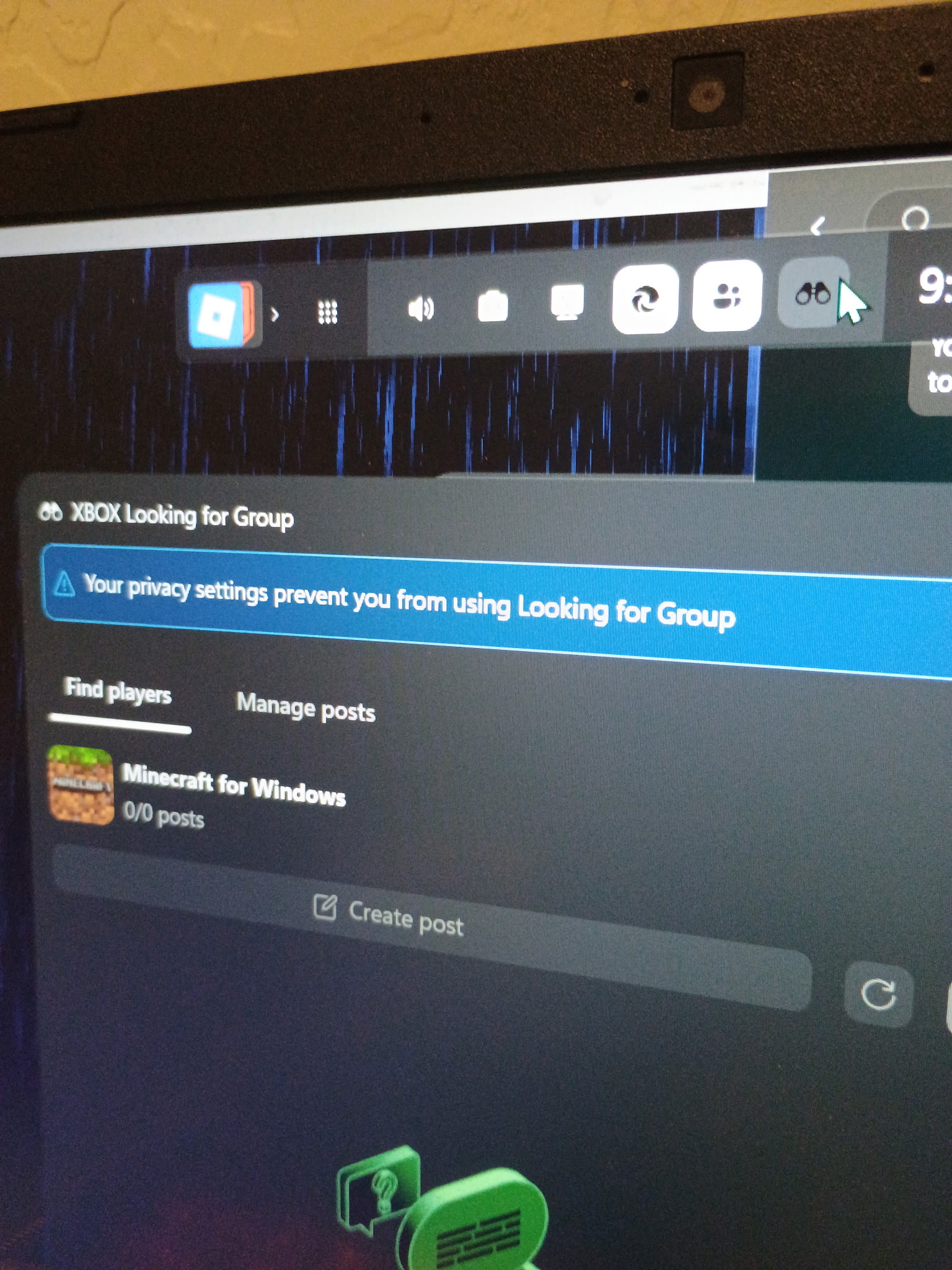
If you are a member of a Microsoft family group and encounter a greyed-out “Create post” option in Xbox and/or the error “Your privacy settings prevent you from using Looking for Group”, have your family administrator (e.g. your parent) sign into their own account at xbox.com, click their profile icon top right, click Xbox settings, and navigate to “Privacy & online safety.” Here, they should select your profile, and on the Privacy tab scroll to “Others can:” and tick “Everyone” for “Others can communicate with voice, text, or invites.” You may now receive “There was a problem posting your Looking for Group.” This is a different error with no known resolution.
This cannot be done in the Family Safety Android app or website.
- Student Loan Bill Tracker
- The Anomaly Response Network
- The Mars Society
- Coca-Cola Scholars Foundation
- TechStars
- Leukemia & Lymphoma Society
- Cystic Fibrosis Foundation
- PRISM
- Free Bikes 4 Kidz
- Cincinnati Works
- Cincinnati Youth Collaborative


Reading:


Social